Adding groups
winecode organizes threads by group. Common setups include:
- Dining-room cellar
- Kitchen cellar
- Off-site warehouse
- Glass pours only
- Customer wine storage only
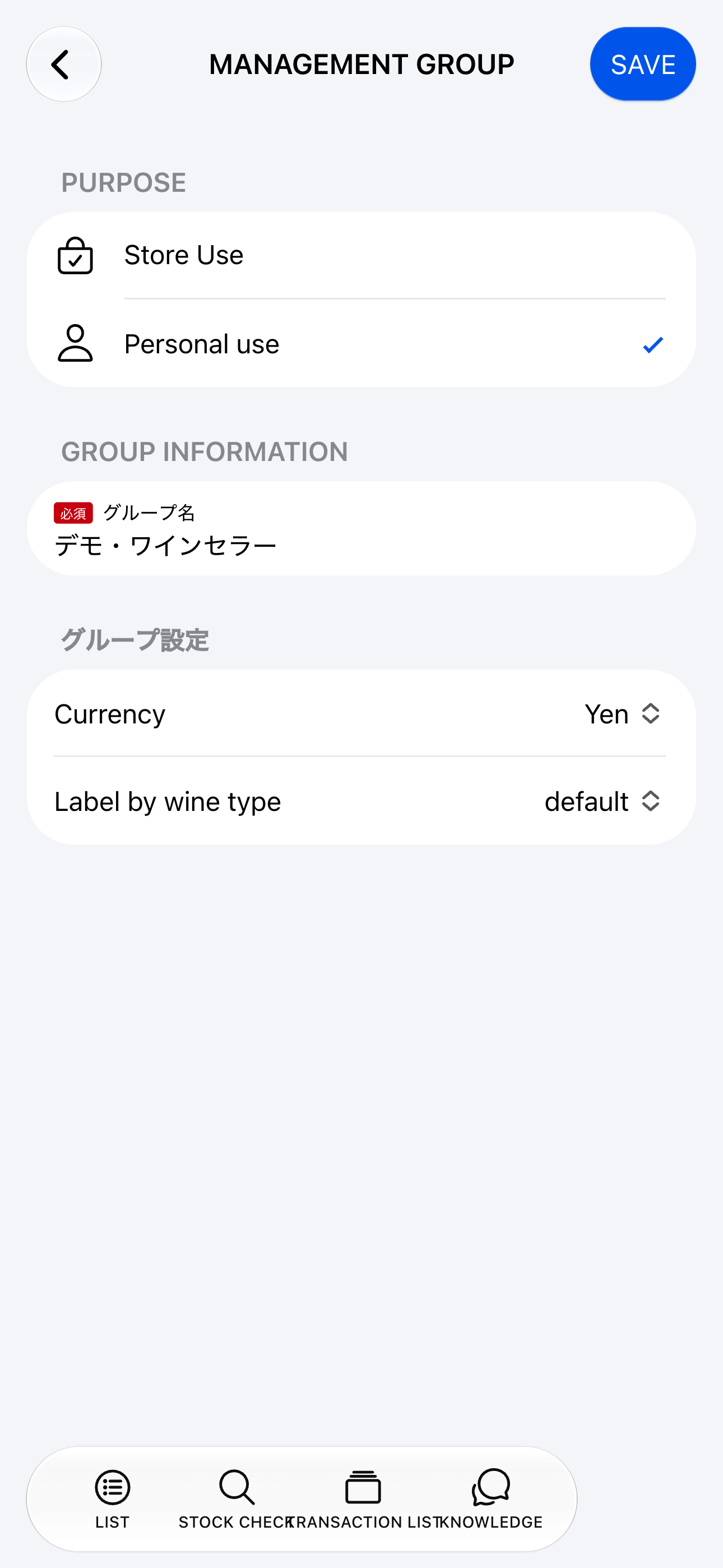
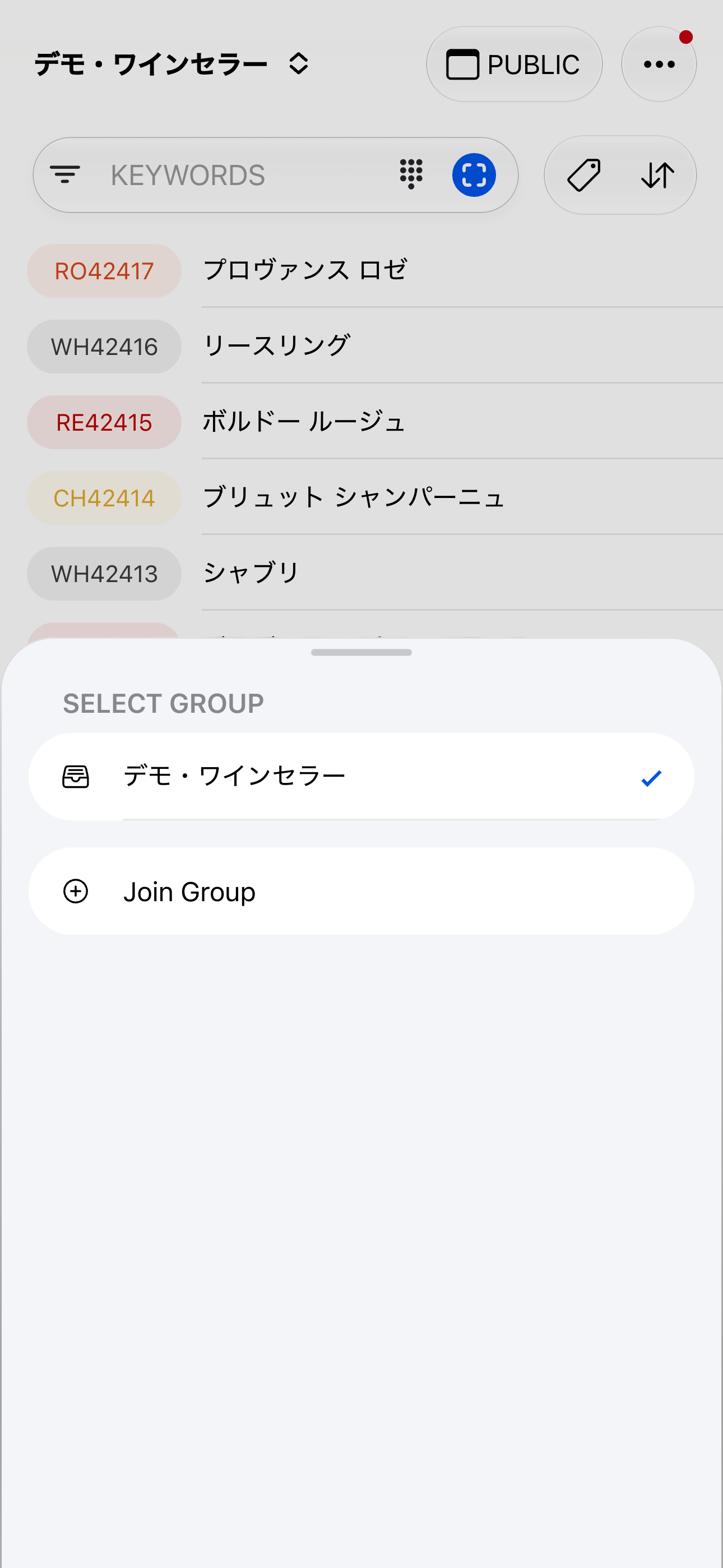
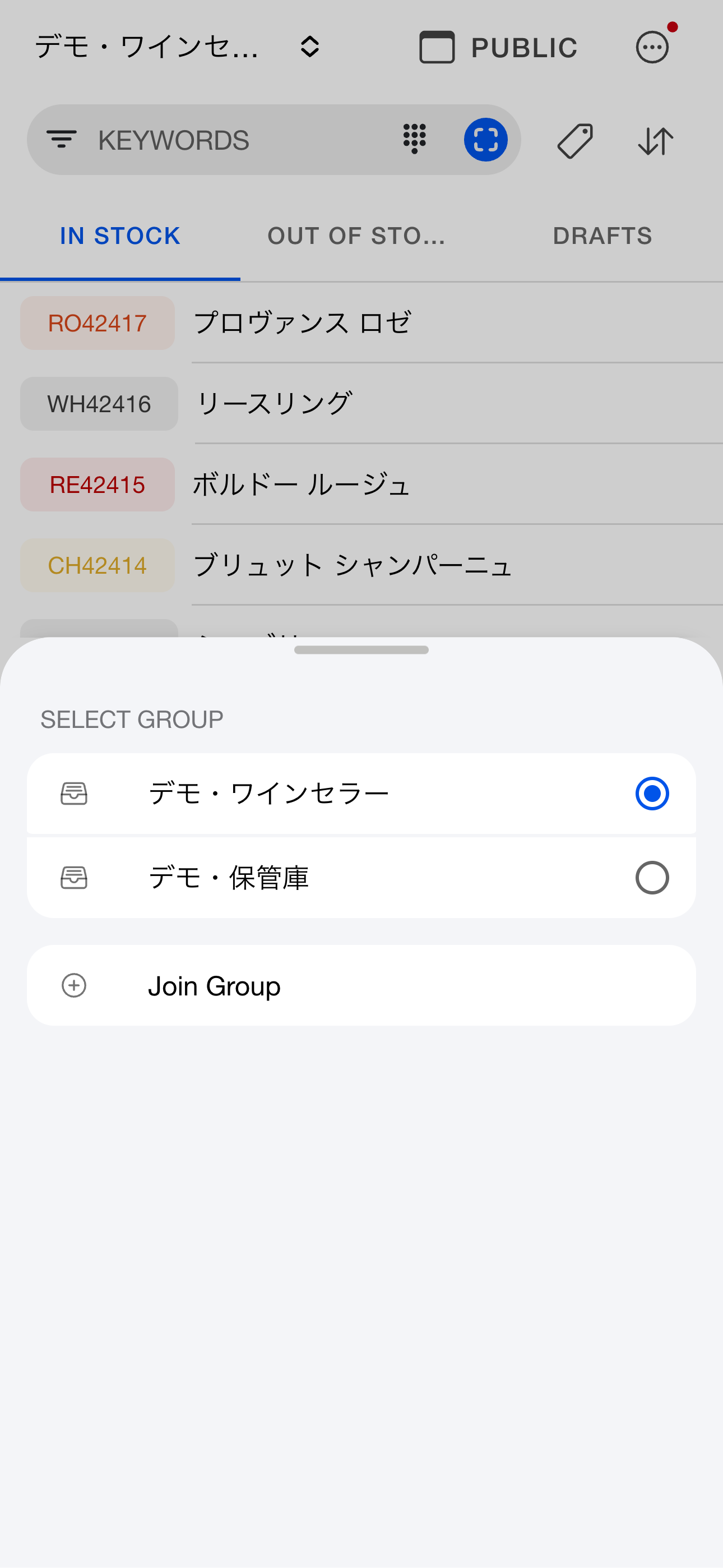
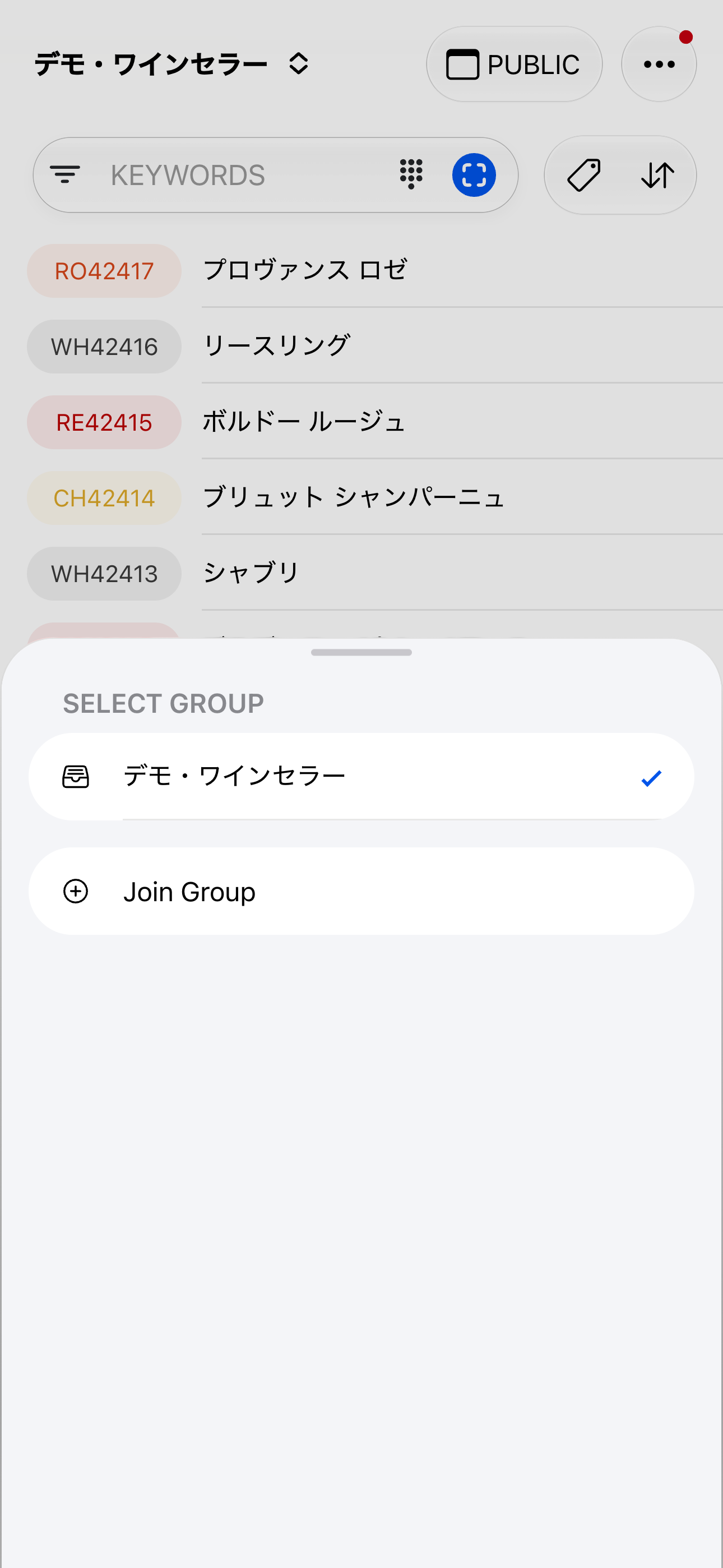
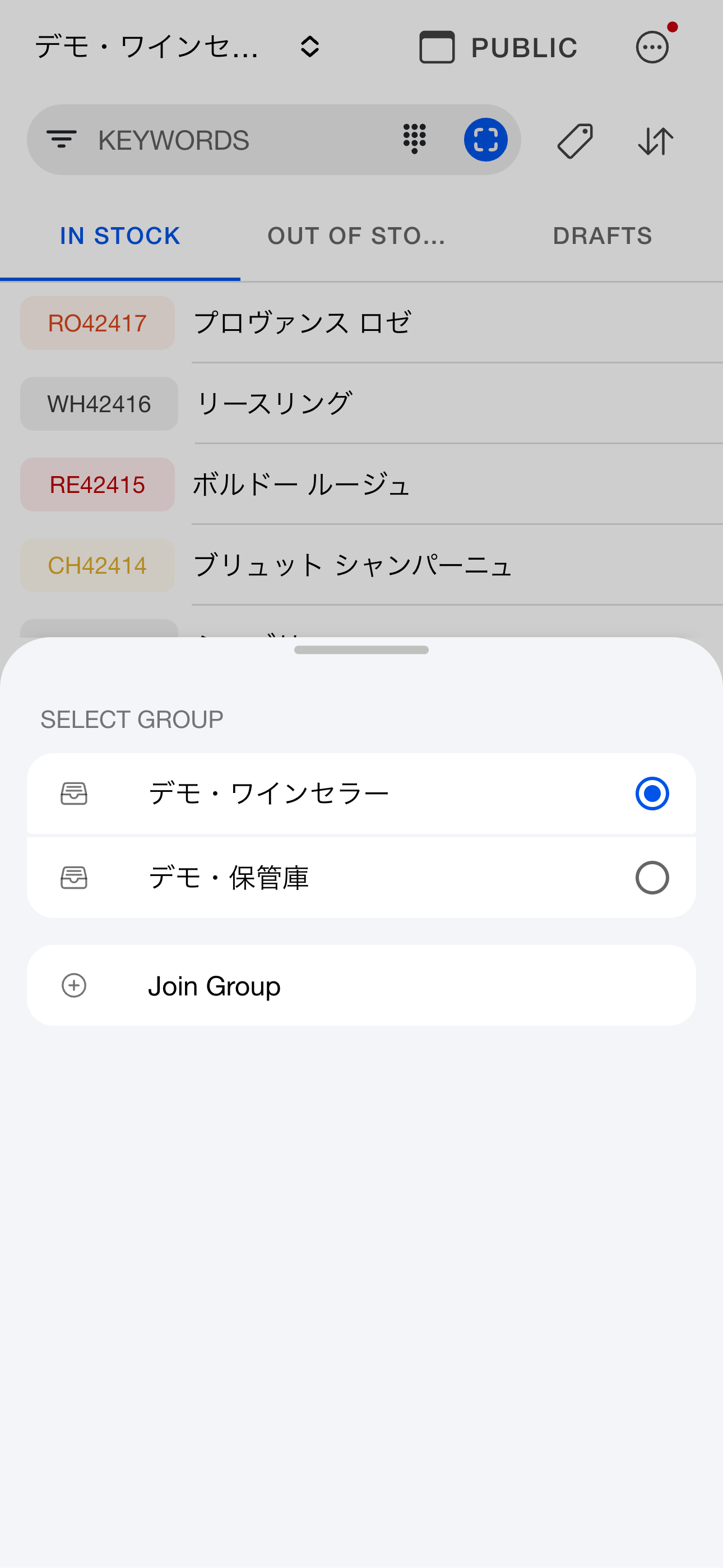
To add a group, tap the group name in the header, choose Join a group, then Create a new group.
If you belong to several groups, tap the group name in the header to switch.
The group selector shows your groups. Choose Join a group and enter an invitation code to join an existing group.
Group settings
| 設定項目 | 内容 |
|---|
| グループ名 | グループの名前 |
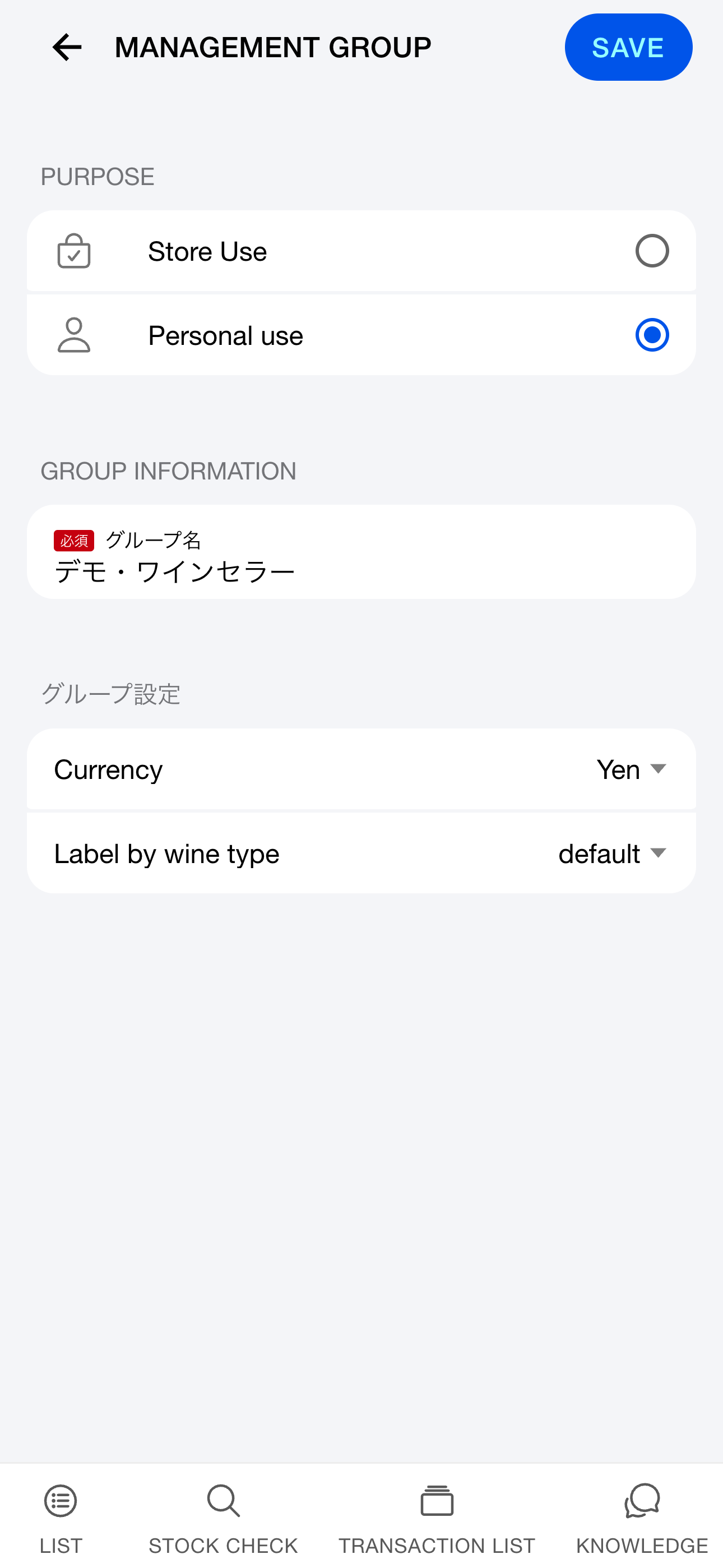
| 用途 | 店舗利用 / 個人利用 |
| 店舗情報 | 店舗名・住所・電話番号・Webサイト・Instagram URL・予約URL(店舗利用の場合) |
| 通貨単位 | 購入額・販売額の通貨(多通貨対応) |
| ワイン種別ラベル | 7種別の表示名をカスタマイズ(例:「RED」→「赤ワイン」) |
Venue details appear on the shop page at /[alias]/about when the list is public.
Inviting to a group
winecode is built for teams—multiple users can manage the same group together.
Invite someone
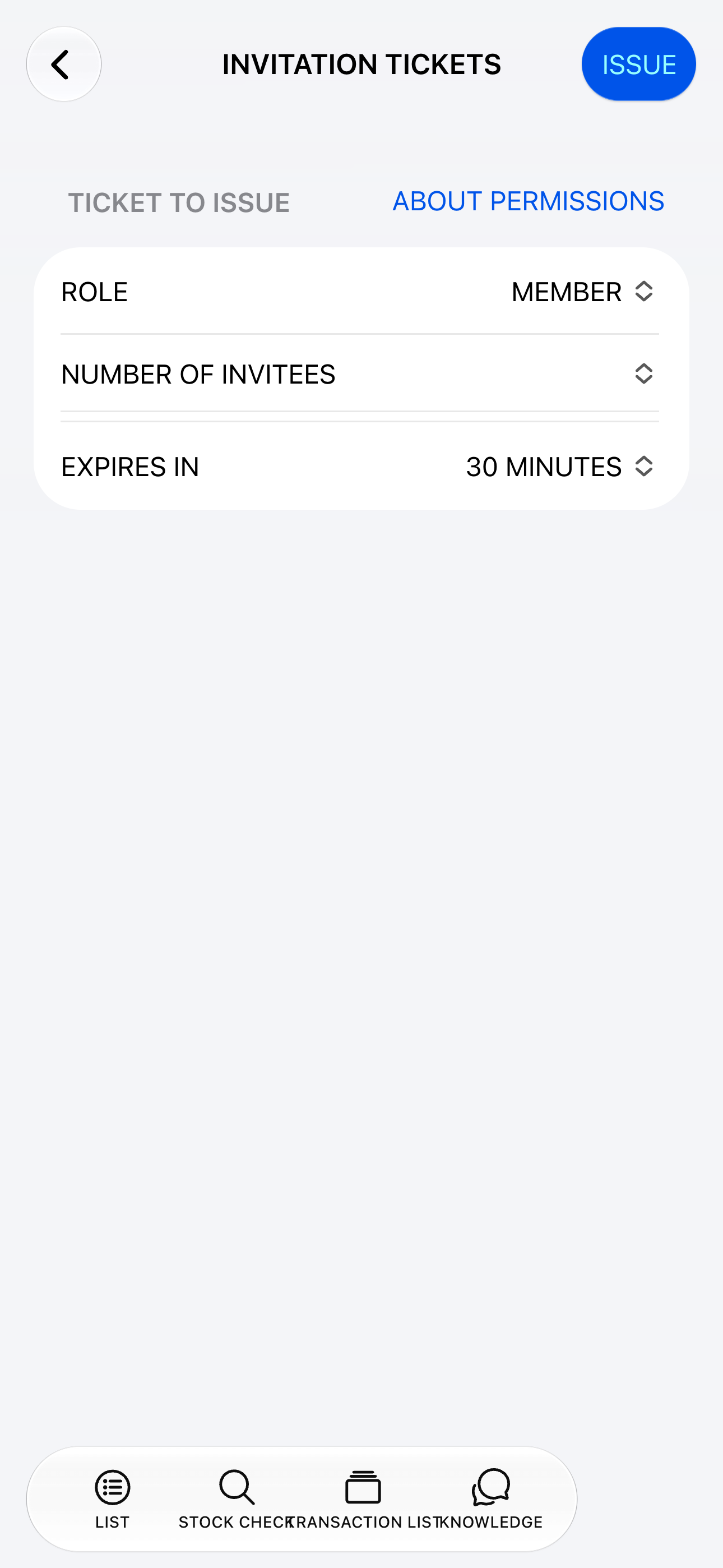
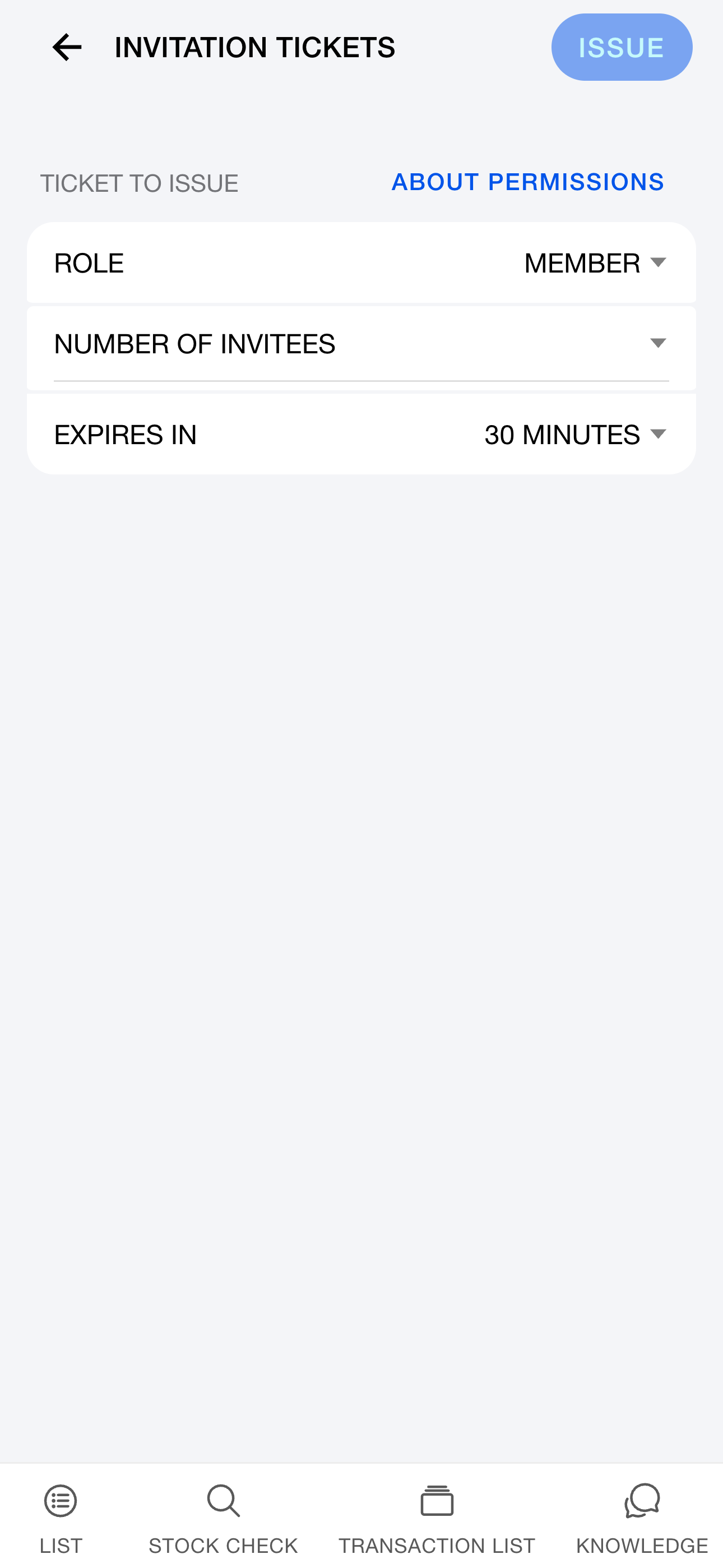
Open group management from the “…” menu in the upper right. Under Invitation tickets, choose a role and expiry and issue a ticket. A staff member with invitation permission can give the code to the invitee.
Invitees tap the group name in the header, choose Join a group, and enter the invitation code.
Member management
After joining a group you can:
- View members and their roles: owner, administrator, member, or read-only
- Change roles or transfer ownership
- Remove members
- Leave or delete a group
Use separate accounts per staff member so change history stays accurate—shared logins obscure who did what.
Sharing wines across groups
Threads can be linked between groups—say group A is “warehouse” and group B is “floor cellar.”
- A thread created in the warehouse (group A) shows 24 bottles
- You move 12 bottles to the floor cellar (group B)
- The warehouse (group A) now shows 12 bottles
winecode supports these everyday “move” workflows.
Share a thread
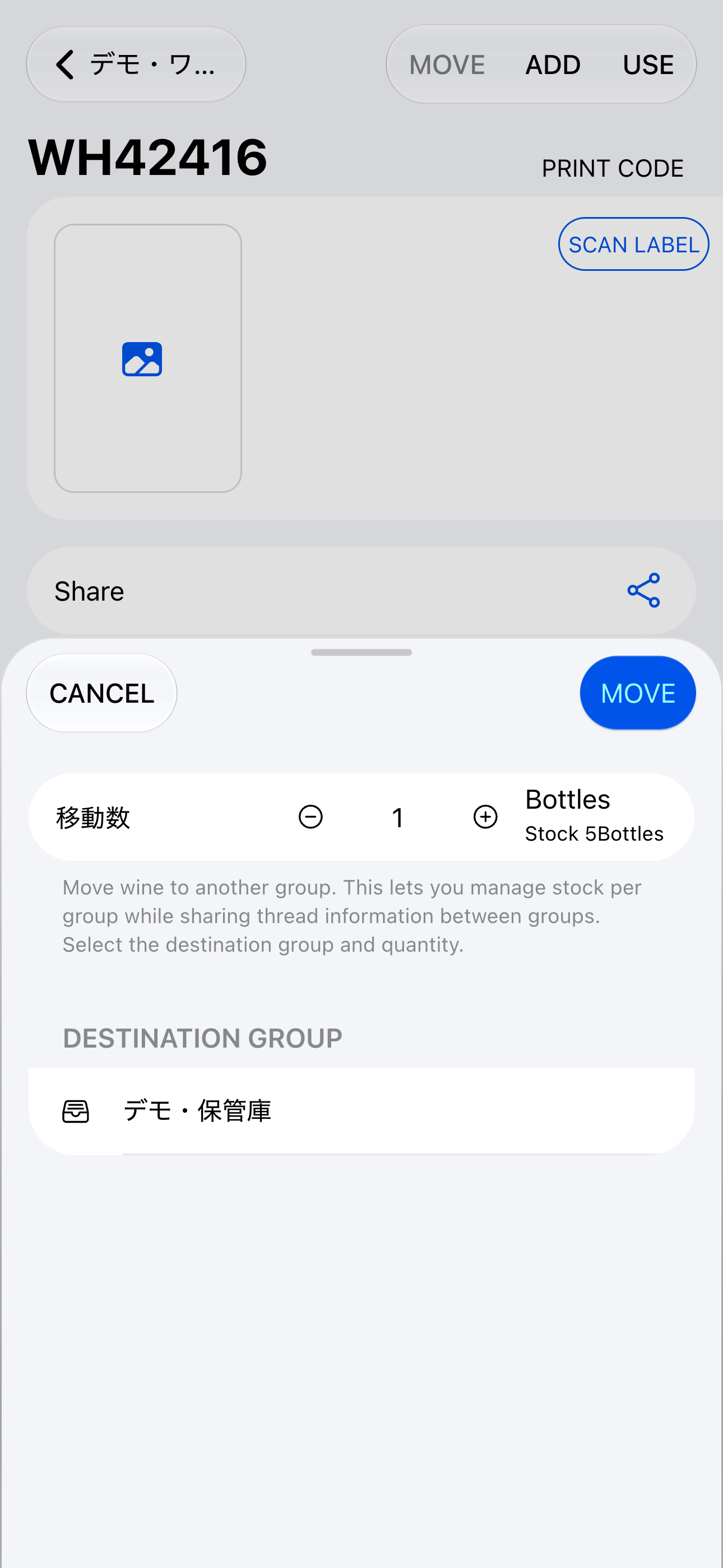
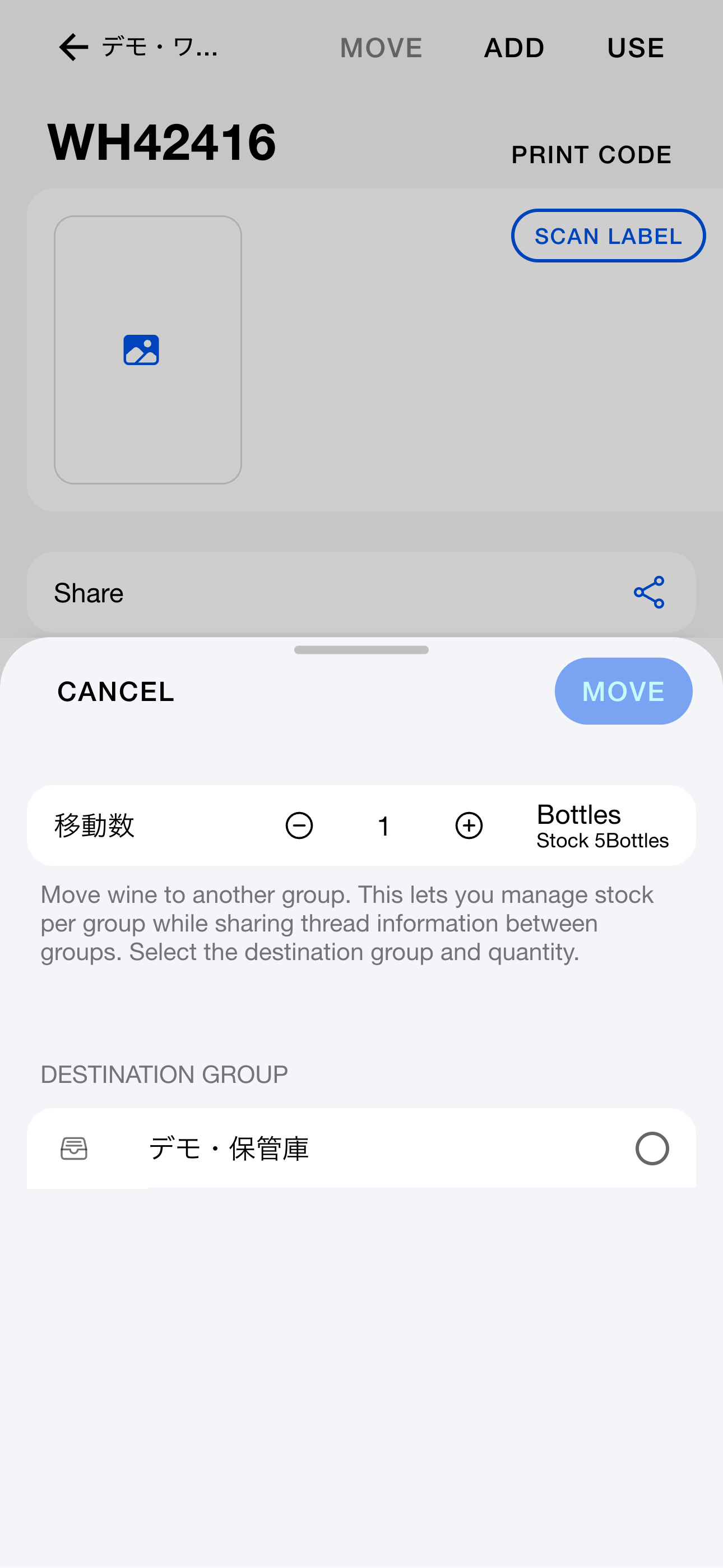
Move wine
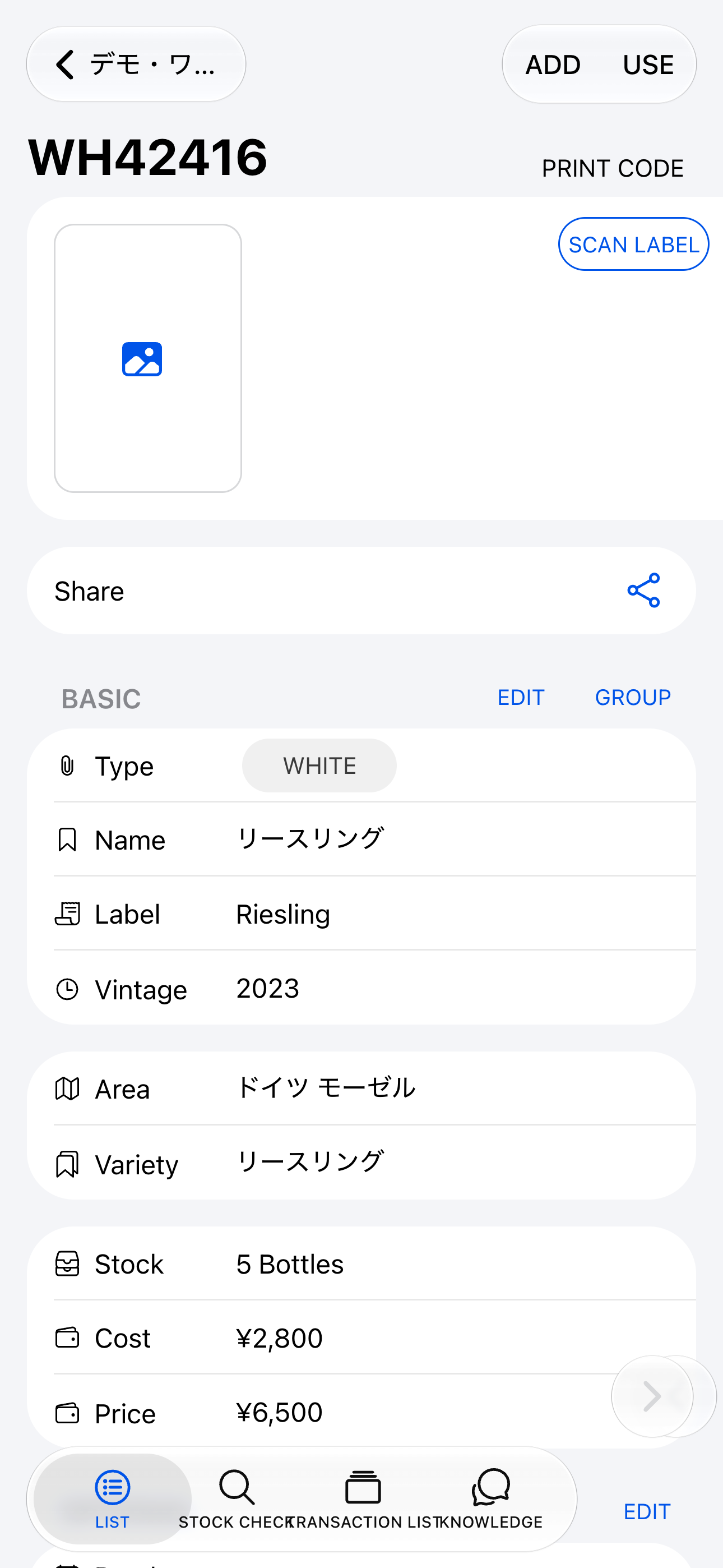
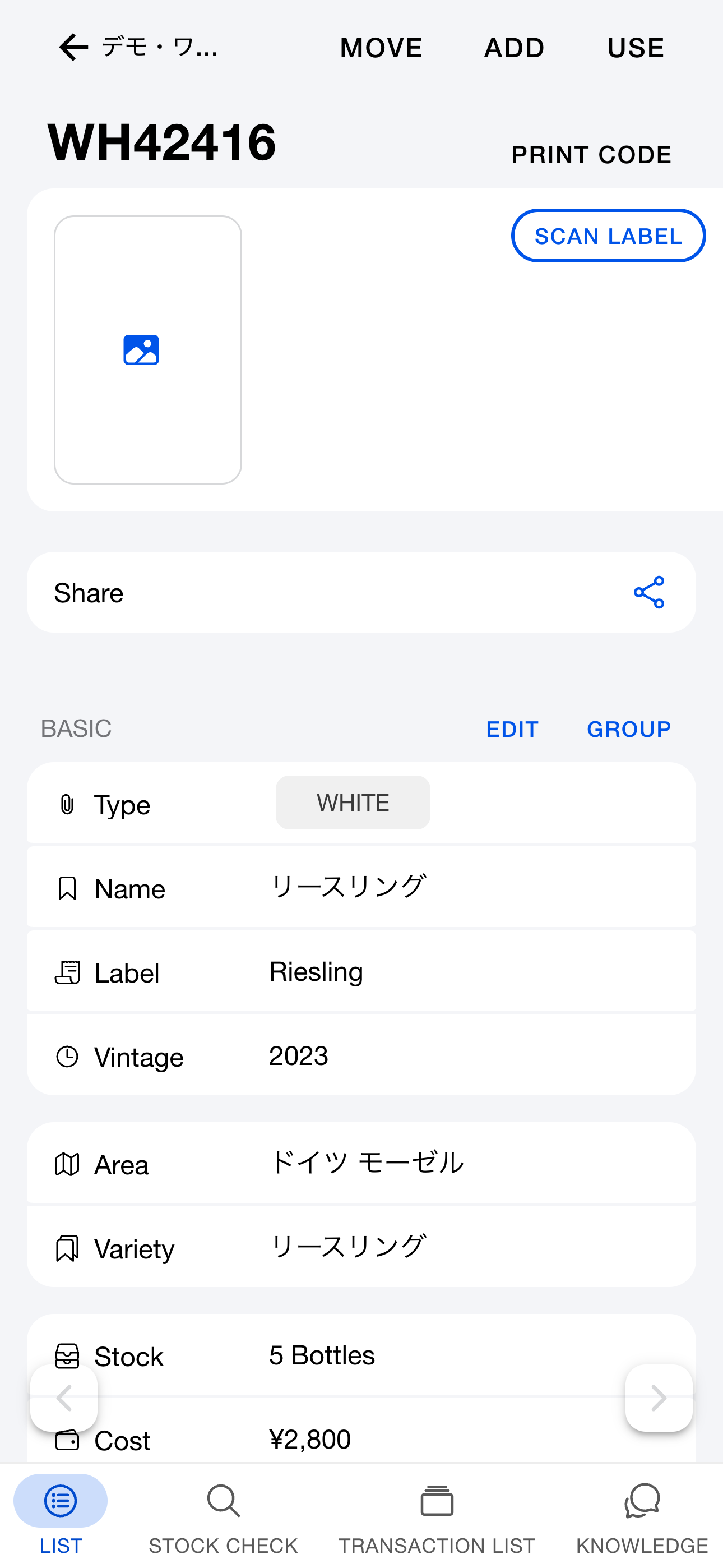
To move wine, select [Move] in the upper right of the thread. Choose the quantity and destination group. The thread is shared with that group and the specified quantity is added to its inventory.
Because the thread is shared, renaming it in one group renames it everywhere.
Duplicate thread
To create a similar thread, select [Duplicate thread] at the bottom of the thread. The thread ID, history, and comments are not copied.
Transfer thread
To transfer ownership of a thread to another group, select [Transfer thread] at the bottom of the thread.
Per-group overrides on shared threads
Each group can override certain fields without affecting partners sharing the thread. Configure them on the [Group settings] tab.
| 項目 | 内容 |
|---|
| 保管場所 | ワインの保管場所 |
| 購入額 | そのグループでの仕入れ価格(多通貨対応) |
| 販売額 | そのグループでの店頭販売価格(多通貨対応) |
| 単位 | ワインの単位を上書き |
| 名称・ラベル | グループ固有の呼称・表記 |
| テイスティングノート | グループ固有のノート |
| ワインリストで非公開 | ワインリストを公開している場合、そこからワインを除外できる |
Permissions for shared threads
Wholesalers sharing with restaurants can hide purchase and selling prices by setting a member to “User (no price view)” in group settings.