Publishing your wine list
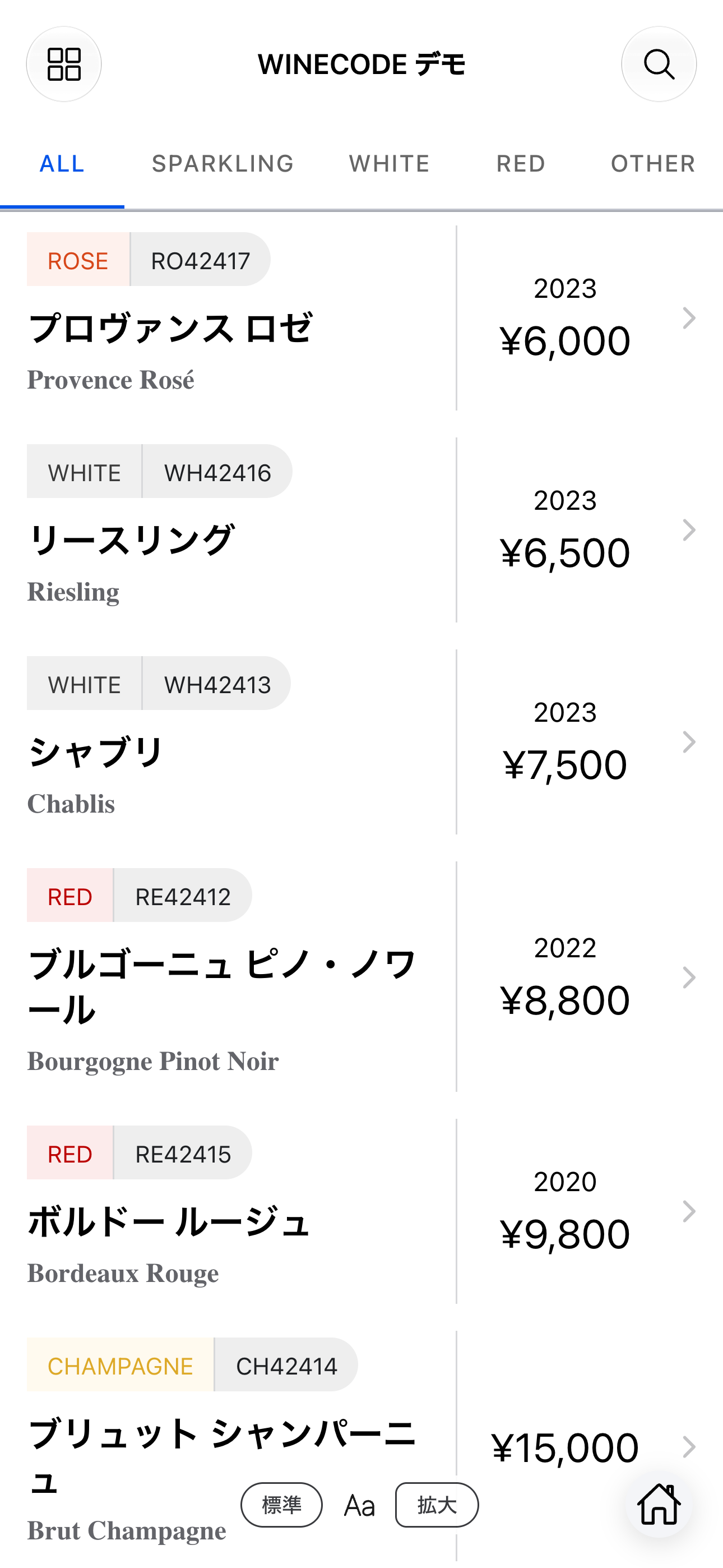
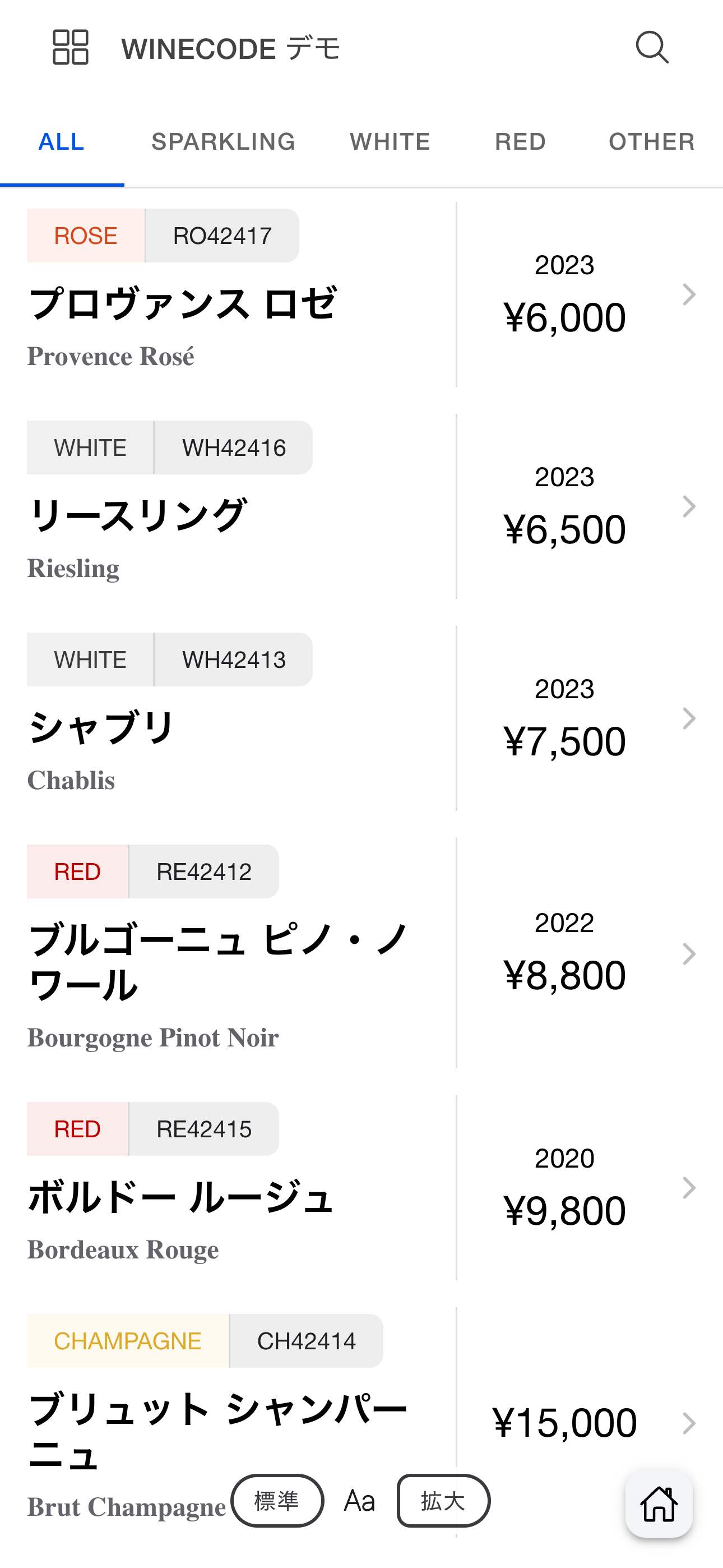
winecode builds a public list from your threads. You can:
- Show it on a tablet for guests
- Share a unique URL on your site or social media
- Print a QR code for each table
—and more.
Publishing settings
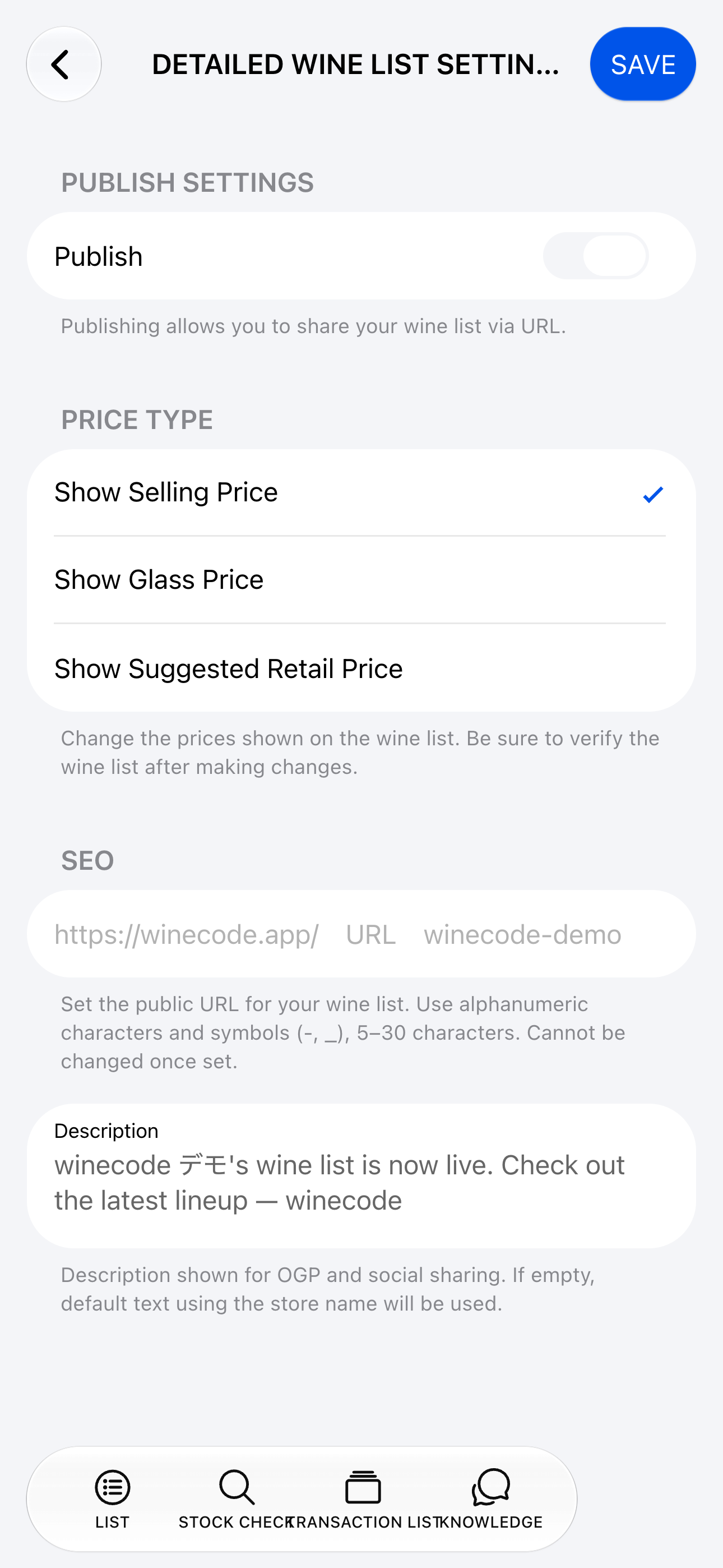
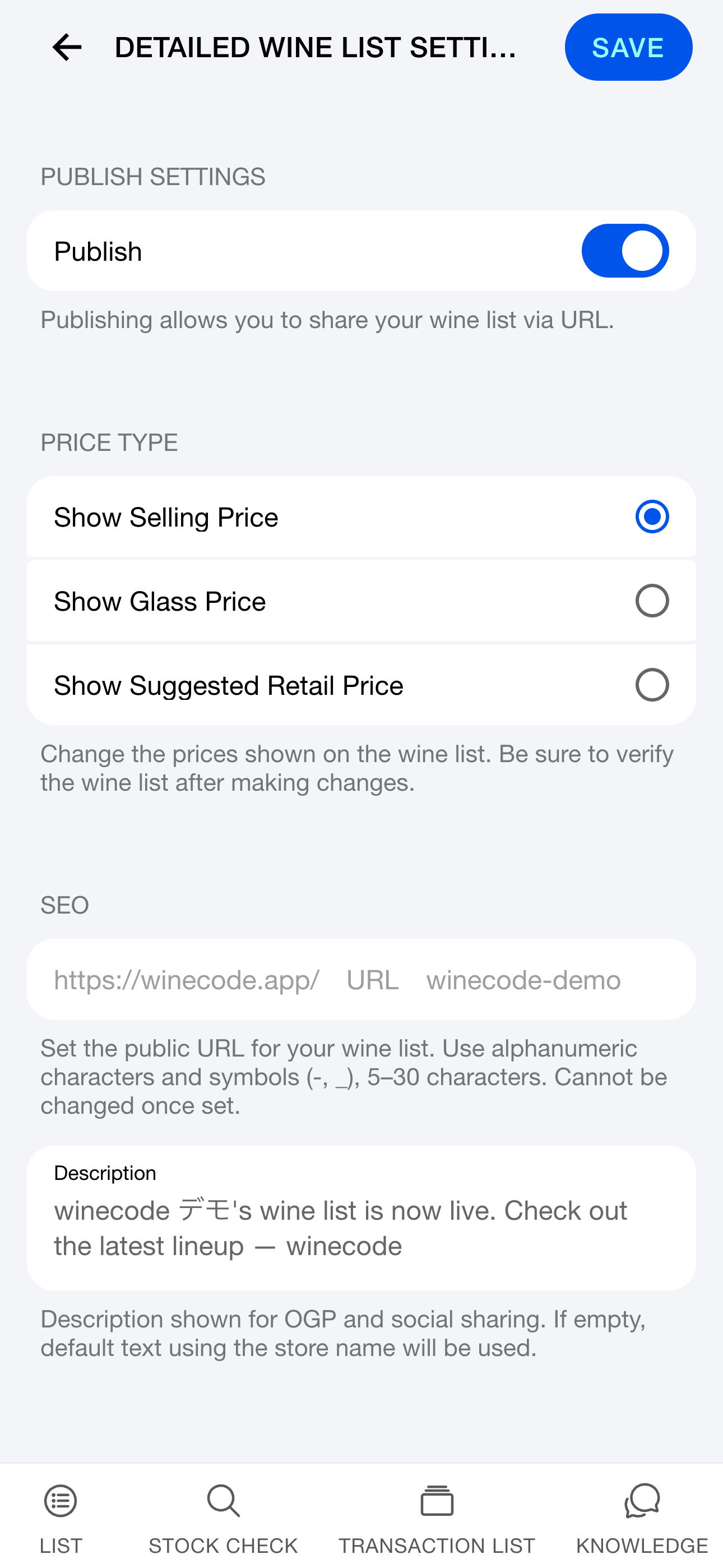
Configure publishing from the Publish button on the list or [Group] > [Publish wine list].
Public URL
URLs look like https://winecode.app/[your-slug] (5–30 ASCII letters, numbers, or symbols). You can’t change the slug later—pick carefully.
Which prices to show
Choose which price types appear on the public list.
- Show selling price
- Show glass price
- Show reference retail
Other settings
- Share description for social posts (OG tags)
- Hide individual wines from the public list in each thread’s group settings.
- Only group admins can change publishing settings.
Guest experience
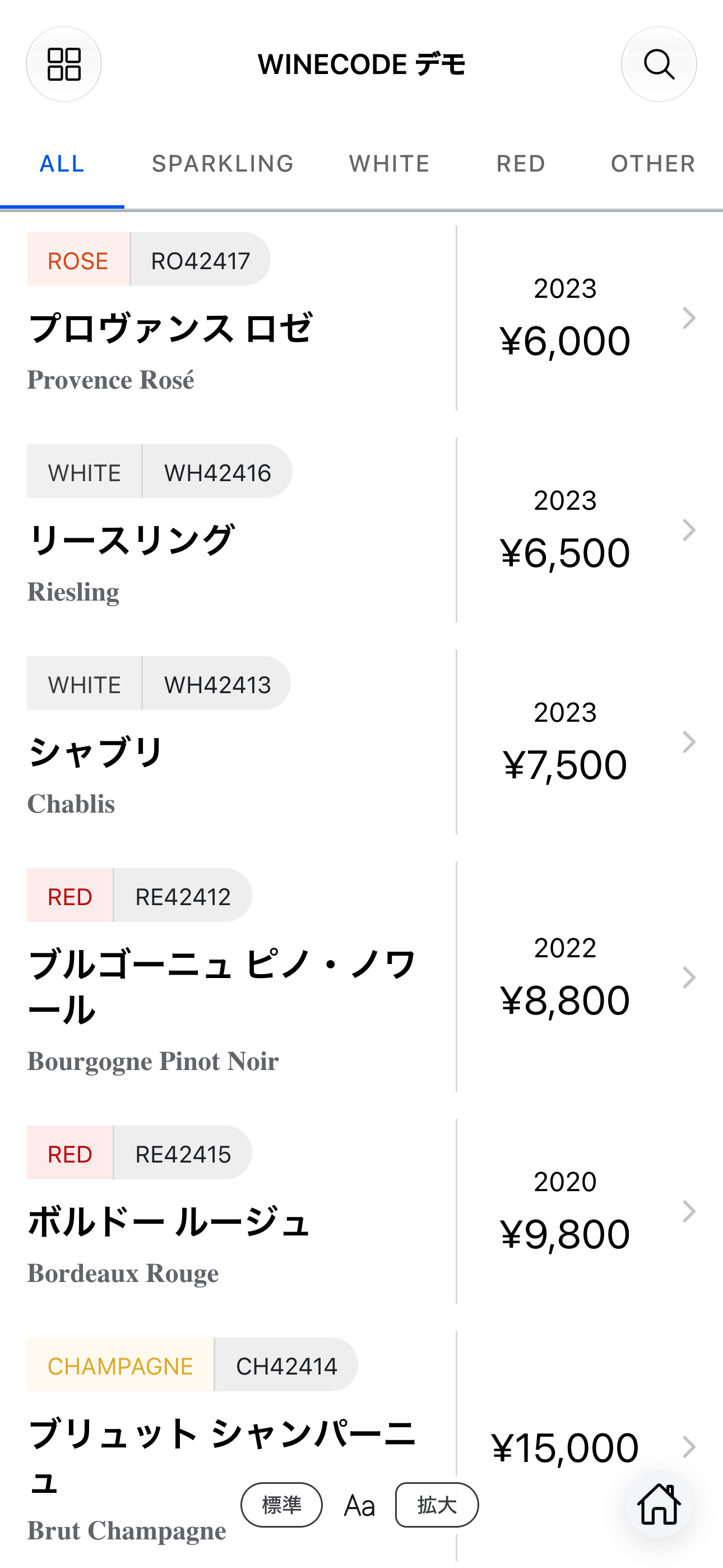
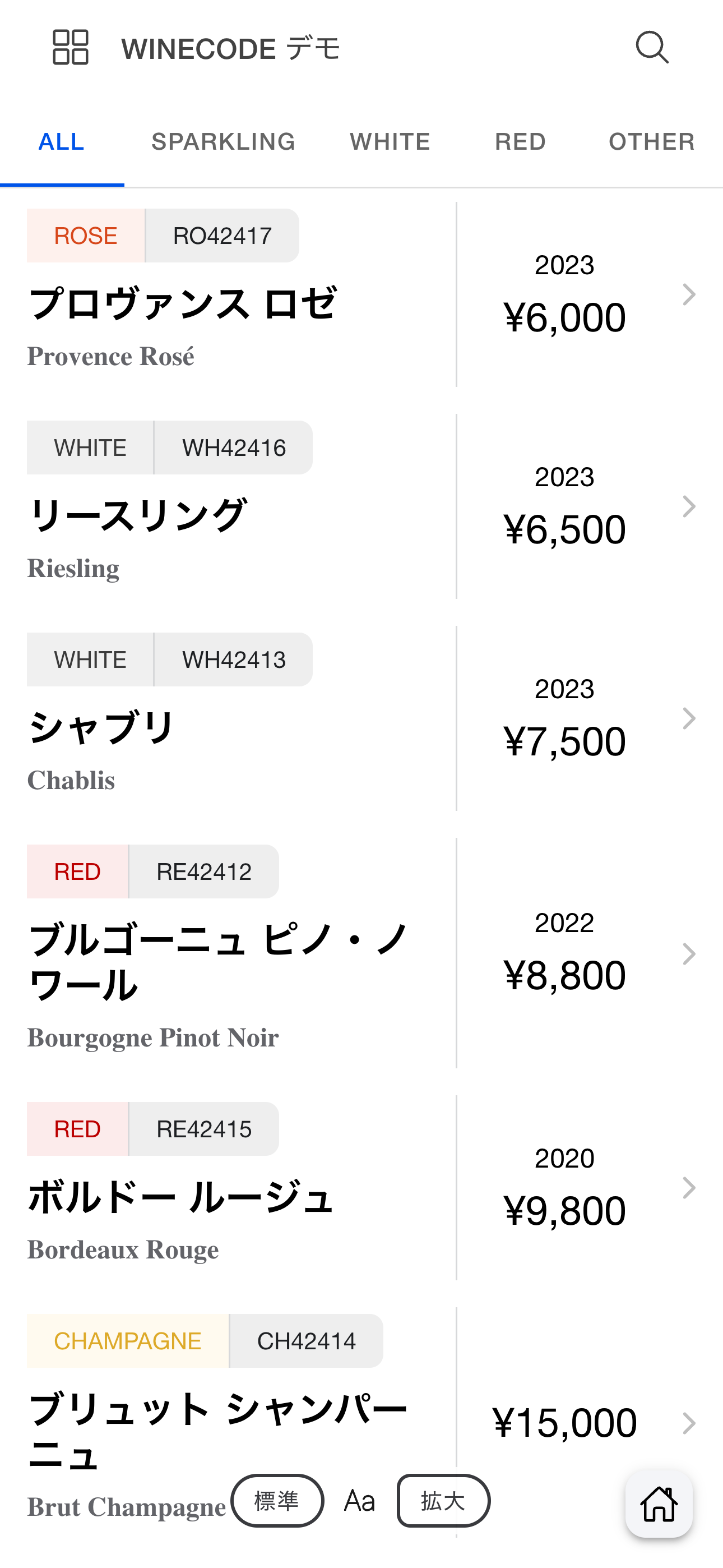
Visitors to your public list can:
- Filter by price range with a slider
- Filter by tags or keywords
- Switch between grid and list
- Switch wine-type segments
- Copy the public URL
- Open the native app with “Open in app”
- Share a single wine via social buttons
Which wines appear
A wine appears on the public list only when all of the following are true:
- It belongs to the group
- Stock is at least one bottle
- A selling price is set
- The thread isn’t marked hidden from the public list
Stock updates live, so wines drop off automatically when sold out.
Shop / about page
Append /about to your public alias (e.g. https://winecode.app/benaton/about) for an auto-generated shop page with name, description, address, phone, website, Instagram, and booking links.
Tasting notes that sell
Tasting notes help guests understand each wine. Write them freeform or use AI generation (uses credits). See the basics guide for details.