Add documents
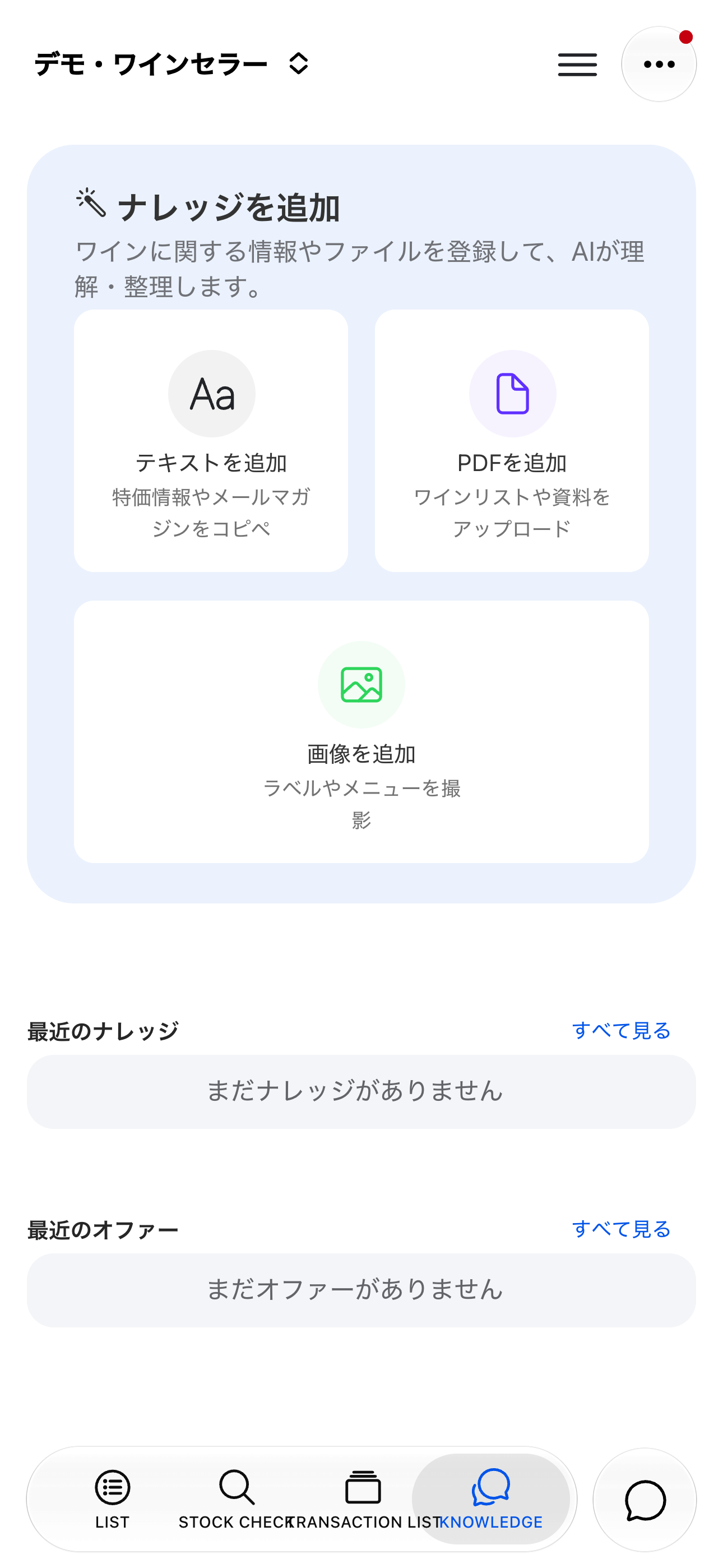
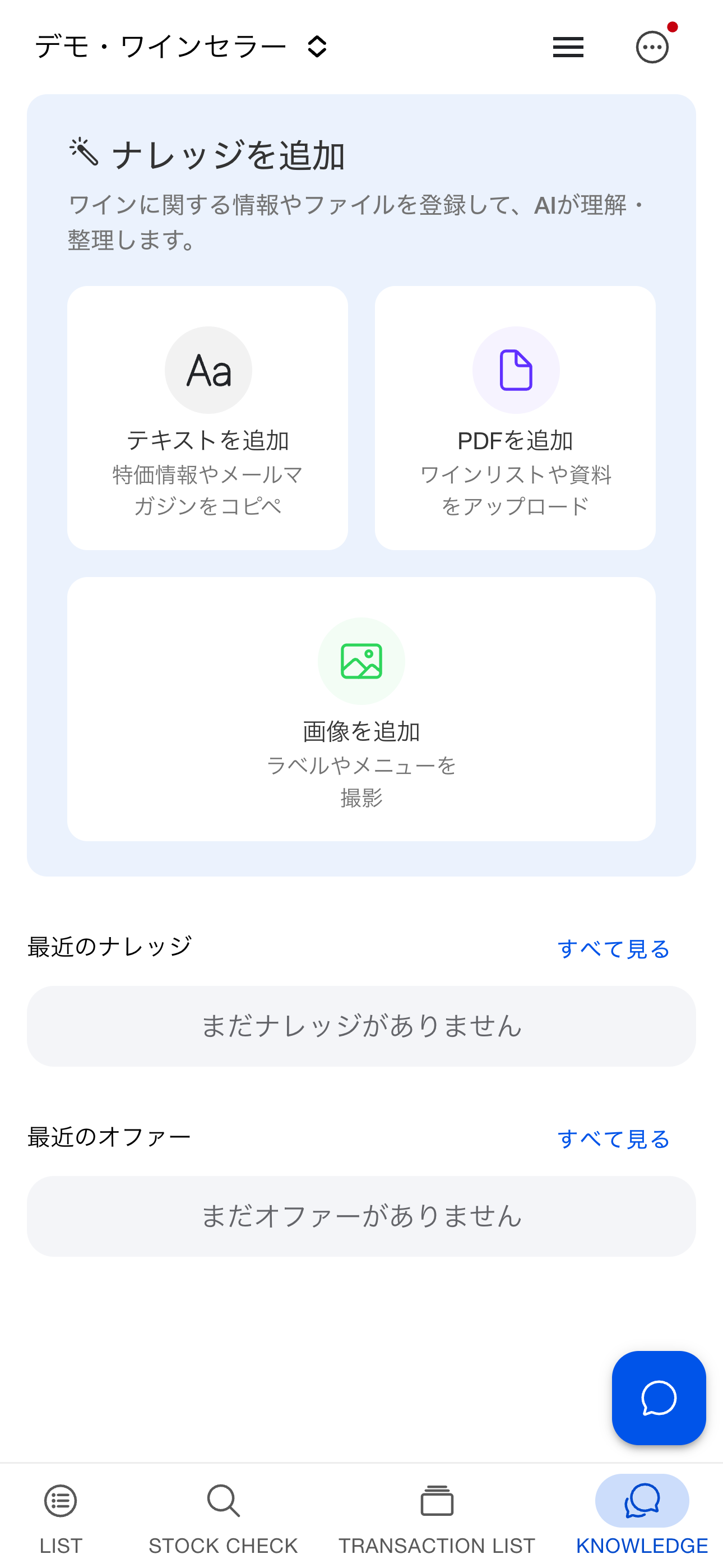
Open the Knowledge tab at the bottom and choose Add text, Add PDF, or Add image. Organize supplier price lists, proposals, special-offer emails, and label images by group. Adding documents requires wine editing permission.
After upload, AI creates a summary and extracts price lists and offers from PDFs and images. Wait for processing to finish before reviewing the results. Choose View all to browse and search, or open a document to see its summary and original content.